Wireless Lighting Control: Technology, Benefits, and Implementation

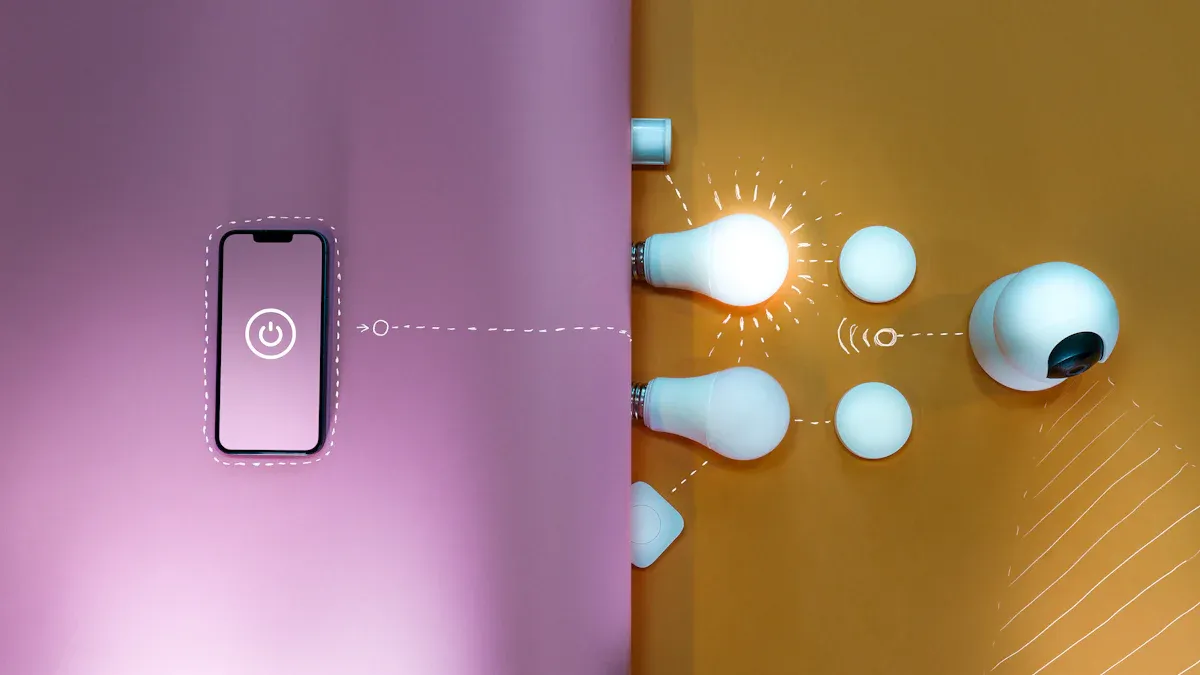
Wireless lighting control lets you control lights without wires. You do not need to connect switches and fixtures with cables. This technology brings more comfort. It helps you save energy. You can also lower costs at home or work.
Homes use wireless lighting the most. People want smart solutions that make life simple. These solutions also help save energy.
Indoor places need these systems a lot. North America uses smart home technology often.
Evidence Type | Details |
|---|---|
Material Savings | You can use up to 35% less wire. You do not need switch-to-fixture wiring. |
Labor Efficiency | Installations need about 9 fewer hours of skilled work. |
Energy Savings | Businesses can save up to 38% on energy. |
Carbon Emissions | Wireless systems help cut greenhouse gas emissions. |
Wireless lighting control gives you more choices. You can manage lights easily as your needs change. You can build better spaces for less money. There are fewer problems during construction. Learn more About Us. Find the best Product for your project.
Key Takeaways
Wireless lighting control does not need wires. This makes putting in lights easier and quicker. - This technology can cut installation time by up to 70%. It can also lower energy bills a lot. - Wireless systems are flexible. You can add or move lights easily when you need to. - You can connect it with smart home devices. This lets you control lights with apps or your voice. - Checking and taking care of the system often can stop problems. This helps your lighting work well.
What Is Wireless Lighting Control?
Core Concept and Definition
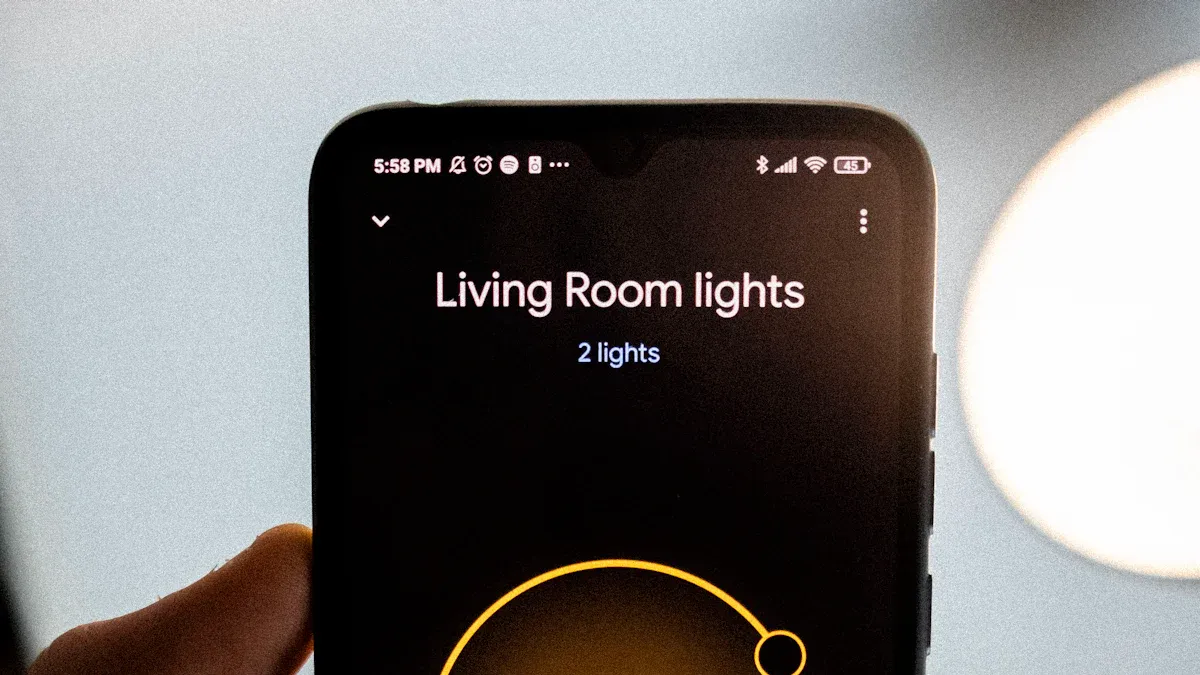
Wireless lighting control lets you handle your lights without wires. You use wireless signals to turn lights on or off. You can also dim lights or set times for them. This technology lets you put switches or sensors anywhere. You do not have to open walls or add cables. You can use it in homes, offices, or schools. It helps save energy and makes rooms more comfortable. You can change your setup when you need to. Many people pick wireless lighting control because it is easy to use and install.
Main Components
A wireless lighting control system has a few main parts. Each part helps the system work well. The table below shows the main parts and what they do:
Component | Role |
|---|---|
Labor Savings and Faster Installations | Cuts down setup time by up to 70%. You do not need special workers. |
Reducing Wiring Complexity | Lets you set up lights without lots of wires. It works for new or old buildings. |
Minimal Disruption | You can install it at night or in steps. This means less trouble for people using the space. |
Energy Efficiency | Has features like occupancy sensing and daylight harvesting. These help use less energy. |
Scalability and Flexibility | You can add or move parts easily. The system can change as your space changes. |
Wireless lighting control systems use wireless switches, sensors, and controllers. These devices send radio signals to each other. You can add more devices or move them if you want. This makes wireless lighting control a smart pick for many places. You save energy, use less wiring, and your system can grow with you.
How Wireless Lighting Control Works
Wireless Communication Protocols
Wireless lighting control sends commands with radio signals, not wires. There are different protocols you can use. Each protocol has good and bad points. The table below lists the most common ones:
Protocol | Advantages | Disadvantages |
|---|---|---|
Wi-Fi | Fast data transfer, works well for real-time control | Can have interference, may slow down with many devices |
Bluetooth | Uses little power, easy to set up, no hub needed | Short range, supports fewer devices |
Zigbee | Scalable, low power, self-healing network | Needs compatible devices, setup can be tricky |
Z-Wave | Secure, works with many brands | Shorter range, sometimes needs a hub |
Thread | Made for smart homes, simple to use | Not as common yet, fewer supported devices |
You can pick the protocol that works best for you. Some people use Wi-Fi because it is fast. Others pick Zigbee or Z-Wave for bigger setups.
System Components Overview
A wireless lighting control system has a few main parts. These include switches, sensors, and controllers. They send signals to each other without wires. You do not need to put wires in the walls. This makes it easy to set up and change.
You can install wireless lighting controls fast. You do not need a special electrician.
You can add or move devices without new wires.
If something breaks, you can replace it easily.
This system works for new buildings or old ones.
Wired systems use cables to connect everything. They are quick and almost never lose connection. Wireless systems are more flexible and cost less, but they might need batteries.
Device Interaction and Management
You can control your lights with a remote, phone app, or your voice. The system lets you turn lights on or off, dim them, or set times. You can also use sensors to turn lights on when someone walks in.
Wireless lighting control makes it simple to change your setup. You can move switches or add lights without trouble. This technology saves you time and money. You get a smart lighting system that fits what you need.
Benefits of Wireless Lighting Controls
Energy Efficiency and Cost Savings
You can save a lot of energy with wireless lighting controls. These controls use sensors and smart features to stop wasting energy. Many businesses have saved 50-70% on energy costs by using this technology. Studies show networked lighting controls can cut LED energy use by more than half. Smart lighting often saves over 50% of electric lighting energy compared to old systems.
The average yearly cost for regular 60-watt bulbs is $566.11.
The average yearly cost for connected LED bulbs is $90.58.
You could save $475.53 each year.
Over 17 years, you might save more than $8,500.
You can see how fast the savings add up. These features help you pay less for power and lower your carbon footprint too.
Flexibility and Scalability
Wireless lighting controls are very flexible. You can put them in homes, offices, or outside. You do not need new wires, so you can move or add controls when you want. This makes them great for places with high ceilings or hard-to-reach wiring.
Wireless lighting controls give you flexibility, scalability, cost savings, and easy programming for any space.
You can change your system without big changes or extra money.
These controls work well where regular wiring is hard, like outside or in big open spaces.
Wireless networks cost less than wired ones and cause less trouble during upgrades.
Bluetooth Mesh Networking shows how these systems can grow. It works for small and big projects. For example:
Case Study | Description | Energy Savings |
|---|---|---|
STEINEL Solutions AG | Used Bluetooth Mesh Networking for building automation with smart sensors. | 90% |
Energy Management Collaborative (EMC) | Installed 3,685 controllers in a large office building. | 75% |
You can see that wireless lighting controls can grow from one room to a whole building.
Enhanced User Experience
Wireless lighting controls make your daily life better in many ways. You can set up your lighting control system fast. The controls use fewer devices and make things simple.
Improvement Type | Description |
|---|---|
Ease of Installation and Configuration | Wireless controls save time by using fewer devices and making setup easy. |
System-Wide Networked Controls | A networked system lets you manage everything in one place with features like schedules and overrides. |
Embedded Controls in Luminaires | Putting controls right into lights saves work and lowers mistakes. |
Single Platform for Applications | One platform makes it easier to plan and fix things, so it is less confusing and costs less. |
You can control all your lights from one place. This makes it easy to set times, pick scenes, or make changes. At work, wireless lighting control lets you change lights right away. You can set the lights how you like, which helps you focus and feel good. Good lighting, especially if it is like natural light, can help your mood and help you work better.
Integration with Smart Systems
Wireless lighting controls work well with other smart systems. You can connect your lighting control system to a Building Automation System with BACnet. This lets you control lighting, heating, and security from one spot. Skilled workers can set up these systems to work together, even if they use different protocols. Networked lighting control systems often use many protocols, so you may need something to help them talk to each other. This makes your building smarter and more efficient.
Maintenance and Monitoring Advantages
Wireless lighting controls make it easier to keep things working. You get alerts before something breaks, so you can fix it early. Old systems wait until something stops working, which can take longer to fix.
Sensors in wireless systems can find problems right away, like burnt-out bulbs or power loss.
Data can help you know when parts might break, so you can fix them on time.
Technicians can check problems from far away, so there are fewer visits and lower costs.
These features help your lighting control system work well and lower the need for emergency repairs.
🌱 Note: Wireless lighting controls are good for the environment. For example, Pilkington Automotive cut 290 tons of CO₂, and Wolverhampton, UK, saved 88 tons of CO₂ and 350,000 kilowatt-hours of energy. Around the world, switching to LED lighting with smart controls has removed the need for 1,250 power stations and cut CO₂ by 1,400 million tons.
You can see that wireless lighting control has many benefits. You save money, feel more comfortable, and help the planet. These controls are a smart choice for any space.
Implementing Wireless Lighting Control
Needs Assessment and Compatibility
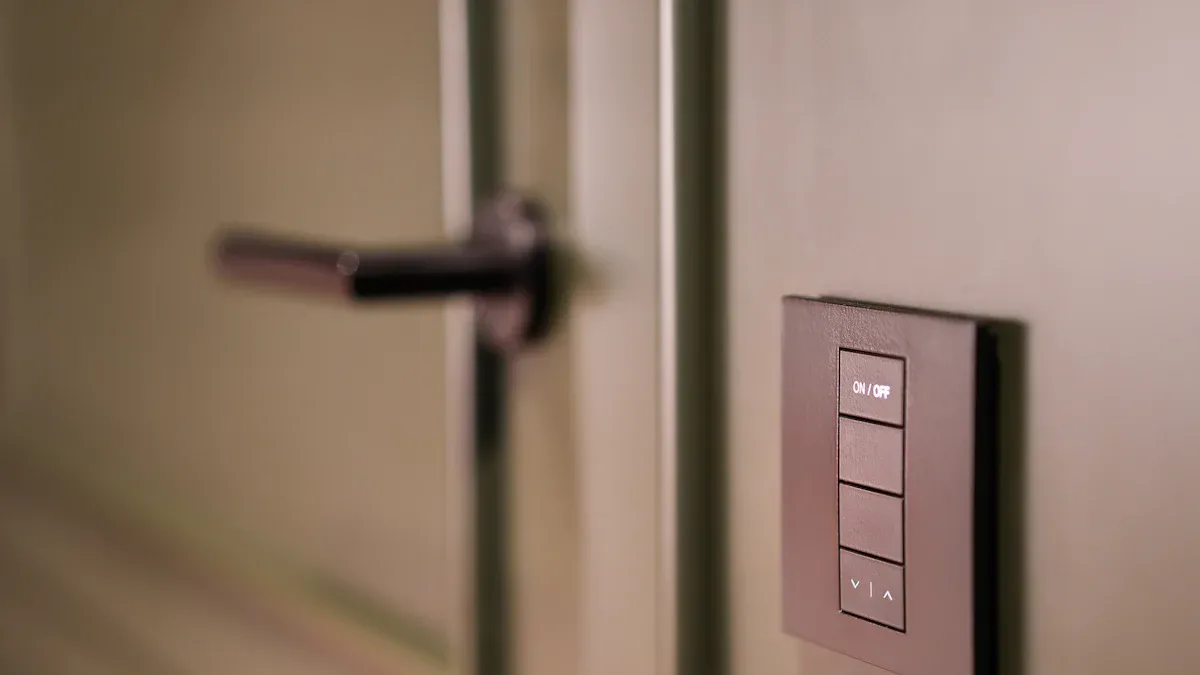
First, look at your lights and write down what you have. Think about what you want your new lighting control system to do. Do you want to save energy or make things more comfortable? If you want to add more lights later, pick a system that can grow. Some old buildings may not work well with new wireless controls. You might see lights flicker or hear buzzing if things do not match. In busy places, Wi-Fi can get crowded and slow. Try to pick a system that uses a less busy signal. Many new systems work with lots of different lights, so you do not need to change all your wires.
Make sure your old lights can use wireless controls.
Watch out for signal problems in big or busy places.
Pick a system that can grow with you.
Choosing Systems and Components
When you pick a lighting control system, think about a few things. The table below shows what to look for:
Criteria | Description |
|---|---|
Network Security | Decide if you need strong security, especially if your system connects to the internet. |
Protocol Type | Choose between open or proprietary protocols for future compatibility. |
System Integration | Think about whether you need to control one room or many rooms together. |
Control Zoning | Decide how many zones you want to control separately. |
Flexibility and Ease of Programming | Pick a system that is easy to change as your needs grow. |
Use these ideas to help you find the best system for your home or business.
Installation (DIY vs. Professional)
You can put in a wireless lighting control system by yourself or get help from a pro. Each way has good and bad points.
Aspect | DIY Installation | Professional Installation |
|---|---|---|
Cost | Lower cost, expand as you go | Higher cost, includes expert help |
Expertise | Needs technical skill | Experts handle setup and integration |
Customization | Flexible, but takes time | Tailored solutions, less work for you |
Security | May lack strong security | Advanced security features |
Ongoing Support | Limited support | Ongoing help and updates |
Efficiency | May need troubleshooting | Reliable and efficient |
Doing it yourself is good for people who like tech and small jobs. Getting a pro is better for big or tricky projects.
Setup and User Training
After you put in your system, you need to learn how to use it. There are many ways to learn about your lighting control system. You can take online classes, watch videos, or go to hands-on lessons. Some programs, like NEMA Academy, have lots of training hours. You can also join classes where you practice with real lights. These lessons teach you how to set up, use, and fix your system. You will learn how to make your smart home lighting work well.
Troubleshooting and Maintenance
Sometimes, wireless lighting controls have problems. Your lights might not work or the color might look wrong. Here are some tips:
Check if all parts have power.
Make sure your control devices are connected and working.
Update the software or firmware if you need to.
Change weak batteries in remotes.
Use tools to fix color problems.
If you do these things, you can fix most problems fast. Checking your system often helps it last longer and work better.
Networked Wireless Lighting and Common Challenges
Networked wireless lighting lets you control lights in many rooms. You can use one place to manage all the lights. Devices can connect across your whole building. This system gives you more choices than single-room controls. You can link lights with other building systems. You can also watch data to help manage things better.
Connectivity Issues
Sometimes, smart light switches lose their connection. This can happen if the Wi-Fi signal is weak. Problems with the router or wrong settings can also cause this. You can fix most problems by checking the Wi-Fi signal. If the signal is not strong, move your router closer. You can also use a Wi-Fi extender to help.
To fix connection problems, check the Wi-Fi signal near the switch. If the signal is weak, try moving the router or use a Wi-Fi extender.
Security Considerations
Wireless lighting control systems need to be safe. You should use strong access control to see who can change the lights. Data encryption keeps information safe as it moves between devices. Updating your software often helps protect your system from new dangers. You should also have a plan if someone tries to break in.
Use access control tools to decide who can use your system.
Encrypt data with VPNs or SSL to keep it private.
Update your system often to fix security problems.
Make a plan to act fast if there is a security breach.
Integration with Legacy Systems
You can connect wireless lighting controls to old lighting systems. Many buildings still use wired systems like DALI. You can use both wired and wireless controls together. Salvador units help you add DALI drivers to a wireless network. You can make a mesh network that links old and new devices.
Integration Method | Description |
|---|---|
Hybrid Solution | Mixes wired DALI control with wireless Casambi products for flexible lighting control. |
DALI Integration | Uses Salvador to add DALI drivers to the Casambi network, controlling up to 64 virtual lights. |
Casambi Mesh Network | Connects many Salvador units wirelessly to build one Casambi mesh network. |
Networked wireless lighting lets you upgrade your building without changing everything. You get new features and can still use your old lights.
Wireless lighting control helps homes and businesses in many ways. You can save energy and spend less money. It is also easy to set up. Here are the main benefits:
Advantage | Description |
|---|---|
Uses less energy and makes rooms feel nice. | |
Cost Savings | Cuts down on work and material costs, especially for upgrades. |
Design Flexibility | Lets you put lights and switches where you want. |
Easy Installation | Simple to set up and does not cause much trouble. |
Scalability | You can add more as your needs change. |
First, look at your lights and what you need. Try adding wireless lighting in busy spots first. Teach your team how to use it. Use open standards so it works with other systems. Wireless lighting control makes your space smarter and easier to change. Check out your choices and see how you can make your lighting better today!
FAQ
How do wireless lighting controls save energy?
Wireless lighting controls use sensors to turn lights off when no one is in the room. You can set schedules to match your daily routine. These features help you use less electricity and lower your bills.
Can I install wireless lighting controls myself?
You can install many wireless lighting controls on your own. Most systems come with easy instructions. If you have a large space or want advanced features, you may want help from a professional.
Do wireless lighting controls work with smart home devices?
Yes, most wireless lighting controls connect with smart home devices. You can use voice assistants like Alexa or Google Home. Many systems also work with apps on your phone or tablet.
What happens if my wireless lighting system loses connection?
If your system loses connection, you may not control your lights remotely. Most lights still work with manual switches. You can fix connection problems by checking your Wi-Fi or moving your router closer.
See Also
A Comprehensive Guide to Lighting Control Panels and Wireless Integration
Exploring LED Light Bulbs: Advantages and Choosing the Right Ones
Maximizing LED Area Lights: Uses, Advantages, and Installation Tips
Choosing GE LED Light Bulbs: Key Features and Benefits
Understanding LED Street Lights: Advantages and Technological Insights